$0
Checkout
Bestseller
Popular
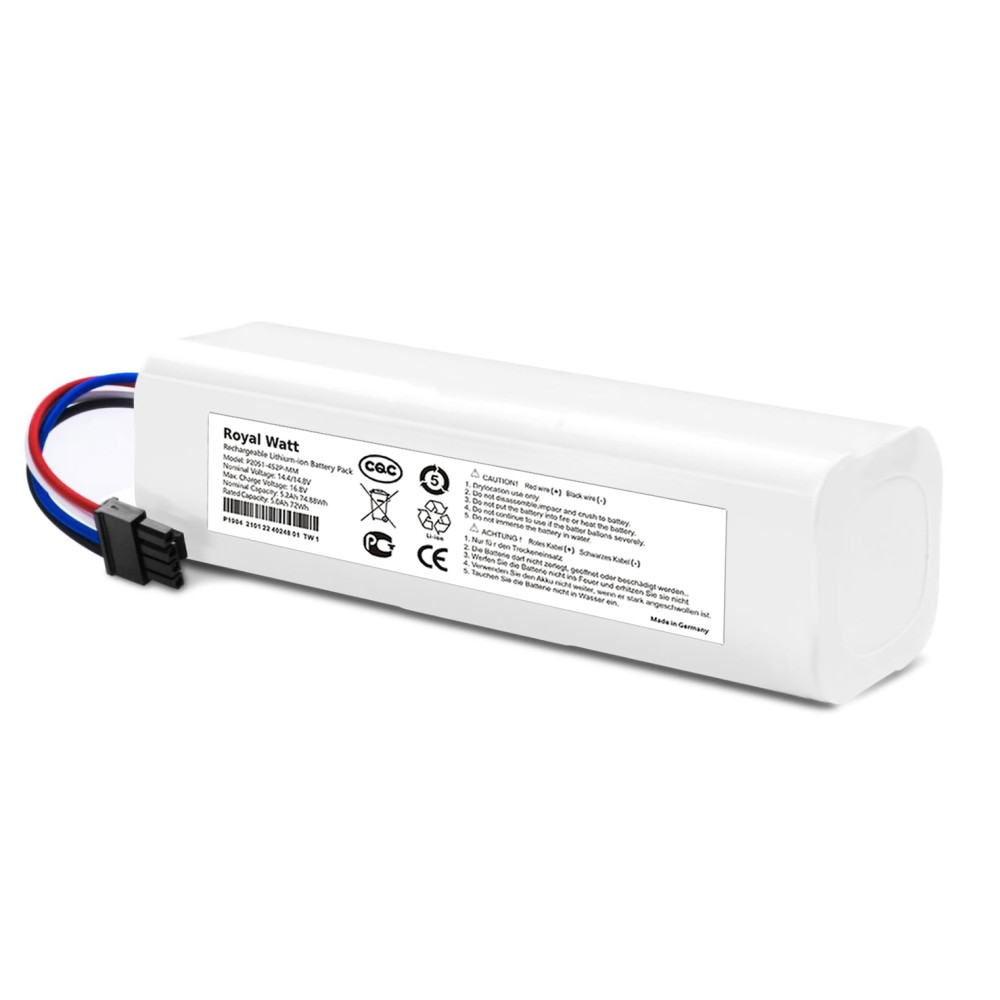
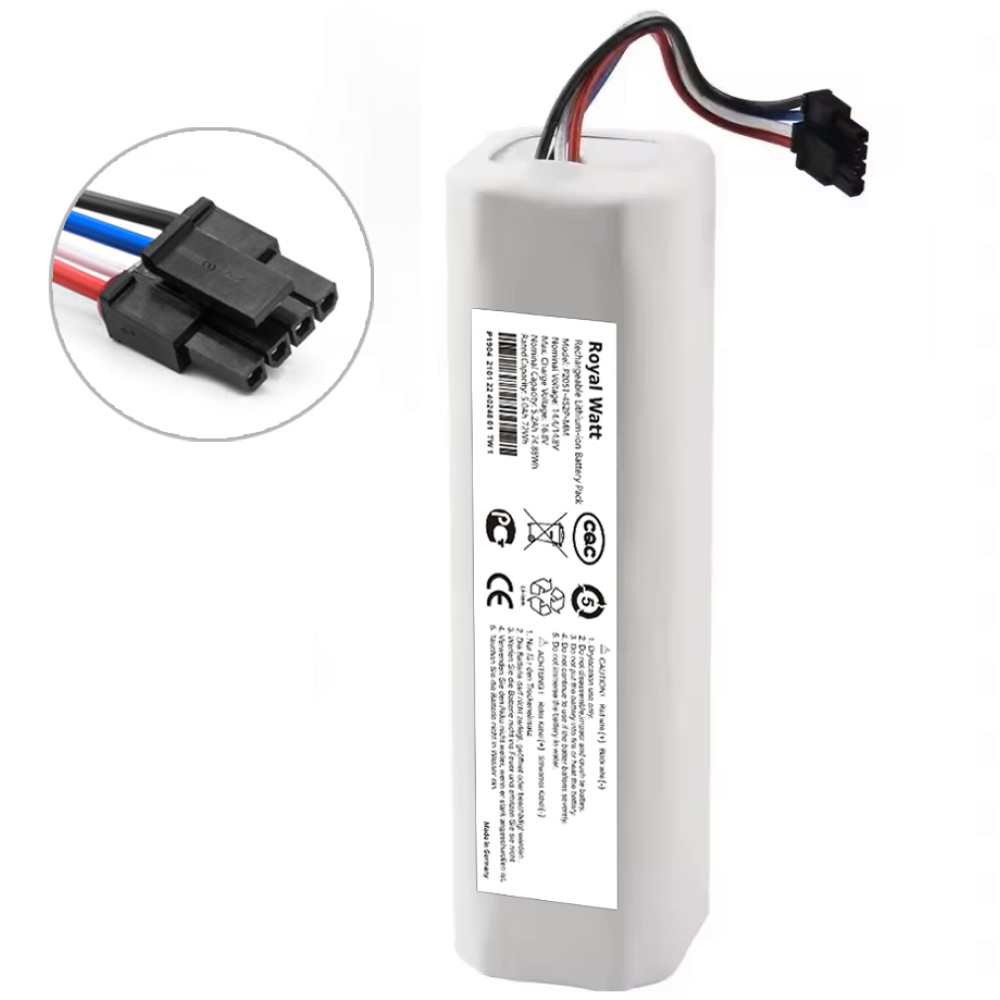
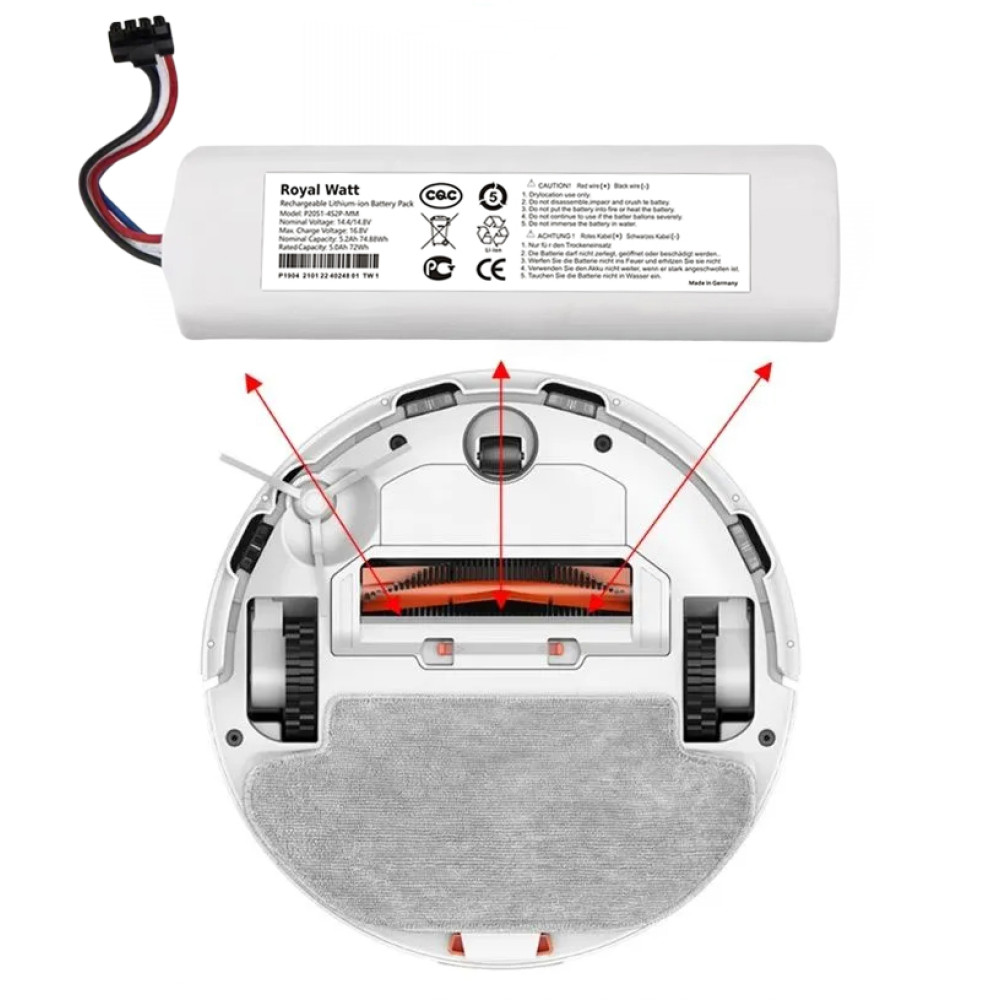
- Brand: Royal Watt
- Product Code: B2470
- Availability: In Stock
$31
Main specifications
All specifications
Capacity:
5200mAh
Voltage:
14.4V
Battery type:
Li-ion
State:
New
Year of production:
2026
Payment
Cash on delivery or by bank card
Delivery
By Nova Poshta to any branch in Ukraine or by courier
Guarantees
Exchange and return within 14 days
- Product overview
- Specification
- Reviews (0)
- Related products
If you encounter a problem with your robot vacuum cleaner:
- switches off during operation;
- does not complete cleaning completely and returns to the charging station prematurely;
- does not turn on or does not start cleaning after being fully charged;
- gives errors related to the battery or power supply.
Most likely, the old battery has reached the end of its service life and requires replacement.
Our battery is ideal for replacing the original battery in the following robot vacuum cleaner models:
- Dreame F9 (RVS5-WH0)
- Dreame D9 (RLS5-WH0)
- Dreame D9 Pro (RLS5-BL0)
- Dreame D9 Max (RLS5-BL1/RLD33GA)
- Dreame D10 Plus (RLS3D)
- Dreame D10s (RLS3L)
- Dreame D10s Pro (RLS6A)
- Dreame L10 Prime (RLL11GC)
- Dreame L10 Pro (RLS5L)
- Dreame L10s Plus (RLL42SD)
- Dreame L10s Pro (RLS6L)
- Dreame L10s Pro Gen2 (RLL42SDA)
- Dreame L10s Pro Ultra Heat (RLL82CE)
- Dreame L10 Ultra (RLS6LADC6)
- Dreame L10s Ultra (RLS6LADC)
- Dreame Z10 Pro (RLS5D)
- Xiaomi Mi Robot Vacuum S10+ (BHR6368EU)
- Xiaomi Mi Robot Vacuum X10 (BHR6068EU)
- Xiaomi Mi Robot Vacuum X10+ (B101GL, BHR6363EU)
- Xiaomi Mi Robot Vacuum X20+ (BHR8124EU)
- Xiaomi Mi Robot Vacuum Mop 2 Pro+ (STYTJ02ZHM)
- Xiaomi Mi Robot Vacuum Mop 2 Ultra (STYTJ05ZHMHW, BHR5195EU)
Compatible part numbers:
RW-DD4S2P-5200ARP, P2008-4S2P -MMBK, P2008-4S2P-MMTP, P2150-4S2P-XWDLS, P2150-4S2P-MMBK, P2150-4S2P-XDLS
These RoyalWatt batteries are manufactured using high-quality 18650 Li-Ion cells, which are characterized by high reliability, stable performance, and a long service life . For safe operation, each battery is equipped with a dedicated BMS board that provides protection against short circuits, overcharge, overdischarge, overheating, and overload.
Replacing a battery at home is very easy! All you need to do is:
- Turn the robot vacuum cleaner over and unscrew the screws on the bottom cover.
- Remove the bottom cover of the housing.
- Disconnect the old battery and remove it.
- Connect the new RoyalWatt battery to the vacuum cleaner socket.
- Replace the cover and tighten the screws.
After installing a new battery, it is recommended to leave the robot vacuum cleaner on the charging station for 3-4 hours. This will allow the system to correctly determine the battery parameters and display the correct charge level.
For our store customers only:
- a wide range of freshly produced products;
- minimum and current prices;
- impeccable quality;
- prompt delivery.
Specifications
Main characteristics
Capacity
5200mAh
Voltage
14.4V
Battery type
Li-ion
State
New
Year of production
2026
Reviews (0)
There are no reviews for this product.